Screen recordings,made cinematic.
Capture your screen, add dynamic zoom animations, and export polished demos — in minutes.
Free to start · One-time upgrade available
Everything your demo needs
One app, zero fluff. Here's what's under the hood.
Capture Everything
Record your full display or any individual window. 60fps, HEVC encoded, pixel-perfect capture with automatic cursor tracking.
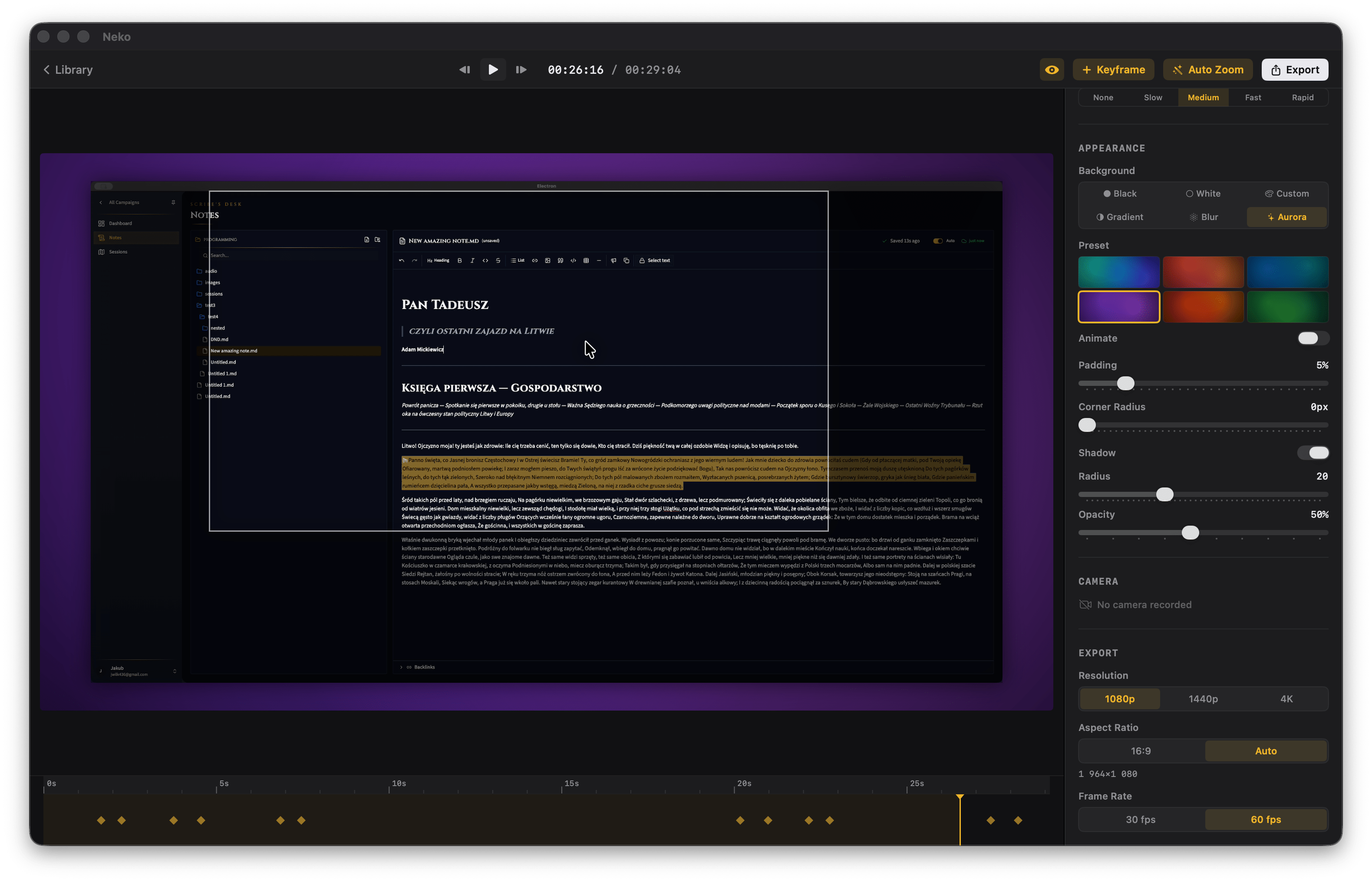
Intelligent Zoom
Auto-generate dynamic zoom animations that follow your cursor and activity. Fine-tune with keyframes.
Cursor, Reimagined
Custom cursor styles, adjustable size, click effects, and smoothing. Your cursor, elevated.
Your Style, Applied
Gradients, animated auroras, blur effects. Adjustable padding, corner radius, and shadows for the perfect frame.
Five easing modes. One smooth result.
Choose between Linear, Ease In, Ease Out, Ease In-Out, and Spring physics. Every zoom transition feels intentional, polished, and natural.
Built for how you work
One tool, every use case. See how Nekorder fits your workflow.
Use it free. Upgrade if you want.
The free plan is genuinely useful — no walls, no trials.
Pro is there if you want the full toolkit and to support the project.
Everything you need to get started. No catches.
- Screen & window recording
- Auto-zoom & manual keyframes
- All 5 easing modes
- Cursor styling & smoothing
- Gradient backgrounds & blur
- 1080p export at 60fps
Full resolution, all styles, forever yours.
- Everything in Free
- 4K & 1440p export
- Animated aurora backgrounds
- Camera overlay in exports
- No watermark
Built by a small team that genuinely enjoys making tools.
Your support keeps us going — no pressure, though.
Frequently asked
Ready to make something worth sharing?
Start free, unlock everything once. Full resolution, all backgrounds, no watermarks — yours forever.
Download for MacFree plan available · Pay once, own it forever · macOS 14+